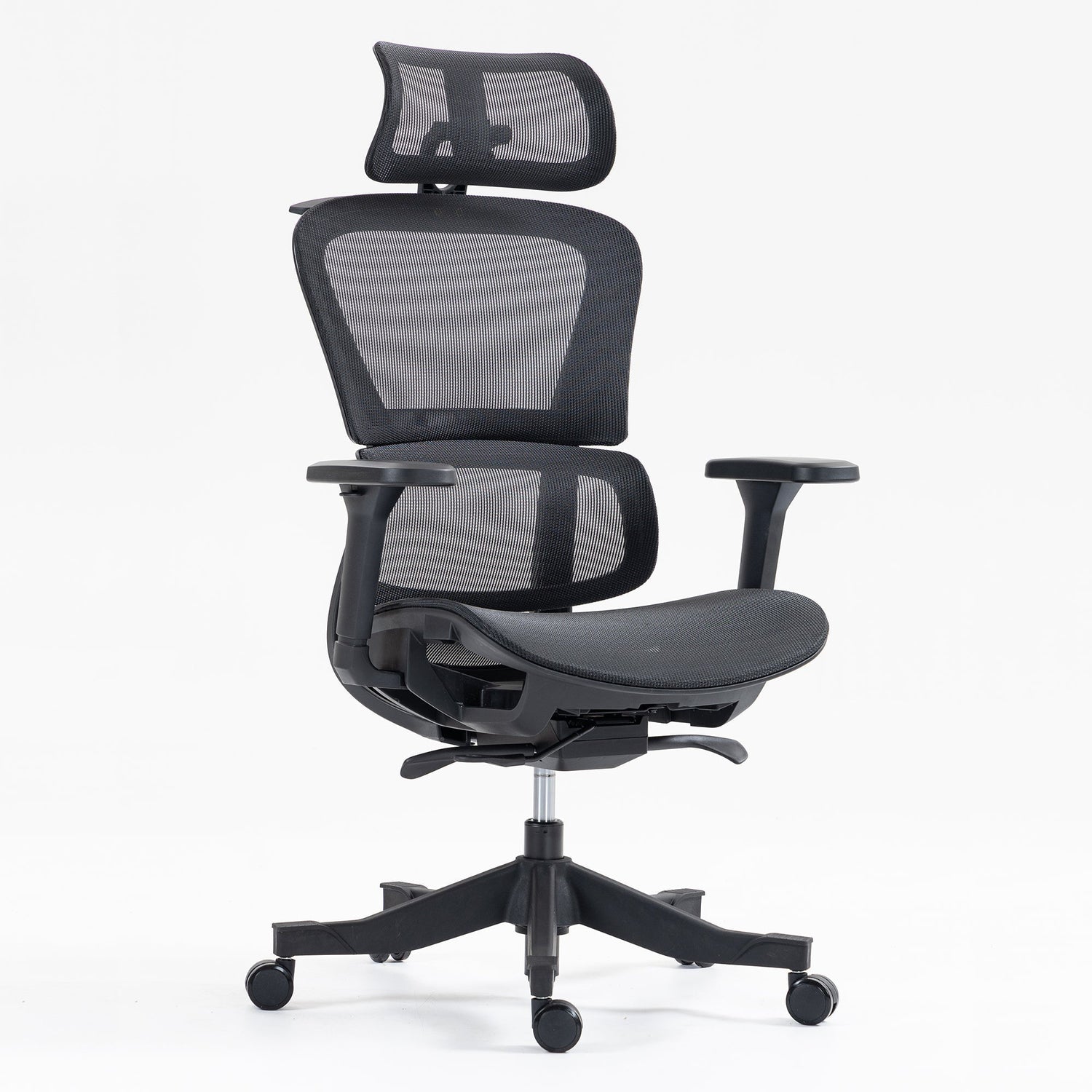
Gaming sessions push your body harder than typical office work. While an office worker might take breaks for meetings, calls, and walks, gamers often sit locked in position for hours, sometimes eight, ten, or even twelve hours during marathon sessions. That sustained sitting demands serious ergonomic support.
Here lies the problem: most "gaming chairs" prioritize aesthetics over actual spine health. The racing-style design looks aggressive but often fails to support neutral posture during extended play. Many gamers discover this the hard way, through chronic back pain, neck strain, and fatigue that kills both performance and enjoyment.
The solution? Chairs built on ergonomic principles first, gaming functionality second.
The best ergonomic gaming chairs combine adjustable lumbar support (height and depth), proper seat depth control, breathable materials, and 3D/4D armrests positioned for keyboard and mouse use. Budget options like the Koorbiir S400 deliver full adjustability for casual gamers. Mid-range picks like the S101 provide mesh breathability for temperature regulation during long sessions. Premium choices like the S102 offer maximum adjustability and durability for serious gamers who spend 8+ hours daily in their chair.
Quick Picks: Best Ergonomic Gaming Chairs
|
Category |
Model |
Best For |
|
Best Value |
Budget gamers, full adjustability |
|
|
Best Long Sessions |
8+ hours, breathable mesh |
|
|
Best Back Pain Relief |
Existing back issues, superior lumbar |
|
|
Best Work-Gaming Hybrid |
Remote workers who game |
|
|
Best Premium |
Executive aesthetic, camera presence |
All picks feature BIFMA/SGS certification and chiropractor-endorsed ergonomic design.
Best Ergonomic Chairs for Gaming: Detailed Reviews
Best Value: Koorbiir S400
Best for: Casual gamers, budget-conscious buyers, secondary gaming setups.
Full adjustability at a price point where most competitors offer fixed features. Adjustable seat height, lumbar support, armrests, and recline give you complete customization. SGS-certified gas lift ensures reliable height adjustment.
Gaming advantage: Complete adjustability lets you dial in the exact setup for your gaming style and body type.
Best for Long Sessions: Koorbiir S101
Best for: Daily gamers, streamers, 8+ hour sessions.
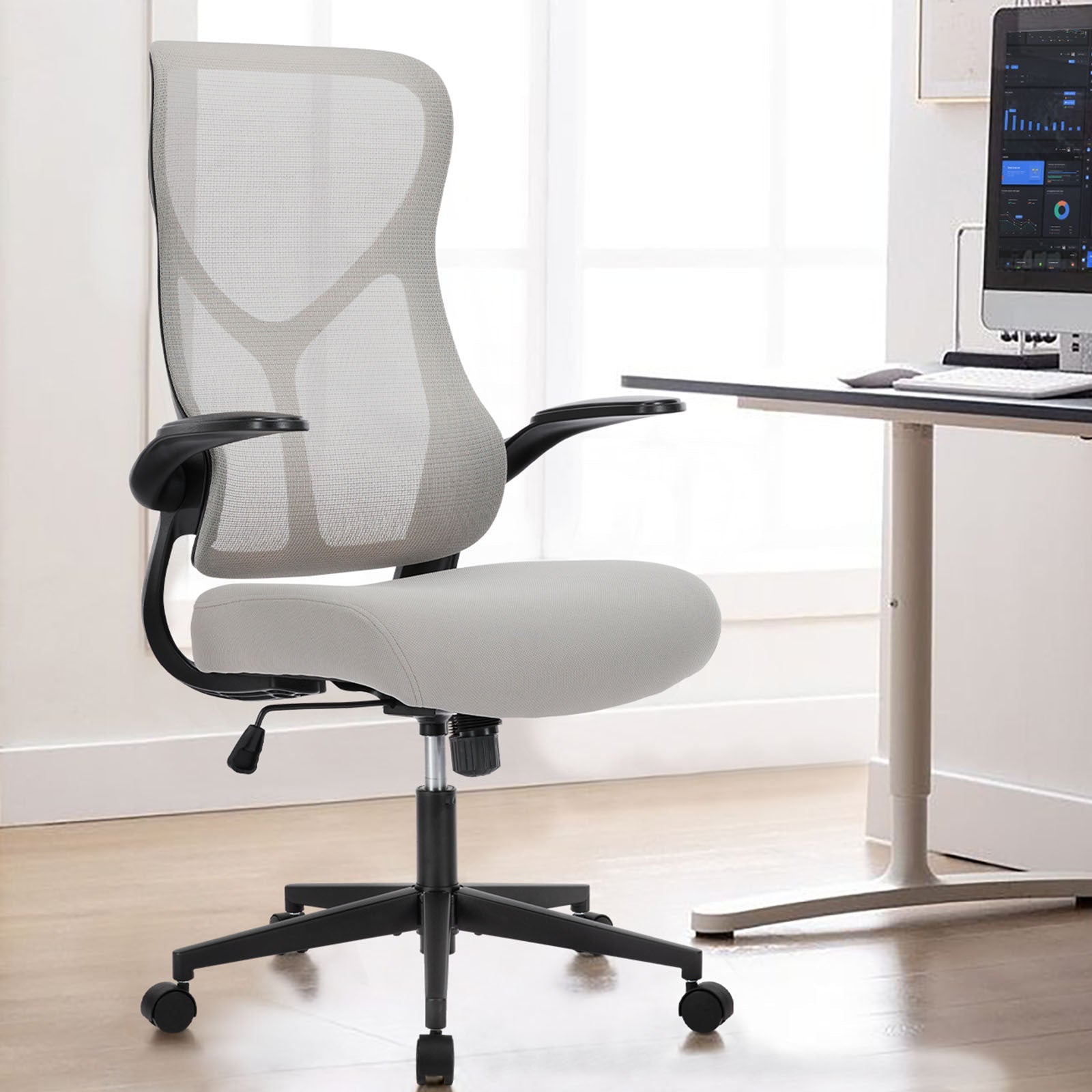
Mesh back construction keeps you cool during marathon sessions, critical when body heat accumulates over hours. Full adjustability covers seat height, depth, lumbar positioning, 3D armrests, and recline with tilt tension control. BIFMA and SGS certified.
Gaming advantage: Temperature regulation prevents the discomfort that builds during extended play.
Best for Back Pain: Koorbiir C300
Best for: Gamers with existing back issues, those prioritizing spine health.
The superior cushioning system with advanced lumbar support targets lower back problems that plague many gamers. Quiet mechanisms prevent audio disruption during streaming or voice chat.
Gaming advantage: Targeted back pain relief keeps you gaming longer without forced breaks.
Best Hybrid Work-Gaming: Koorbiir S102
Best for: Remote workers who game, streamers, professional appearance needs.
The maximum adjustability suite handles both gaming sessions and work calls without compromise. A professional appearance looks appropriate during video meetings. Premium materials built for years of heavy use.
Gaming advantage: One chair handles everything, no switching seats, no aesthetic compromises.
Best Premium: Koorbiir S107
Best for: Executive aesthetic preference, dedicated gaming spaces.
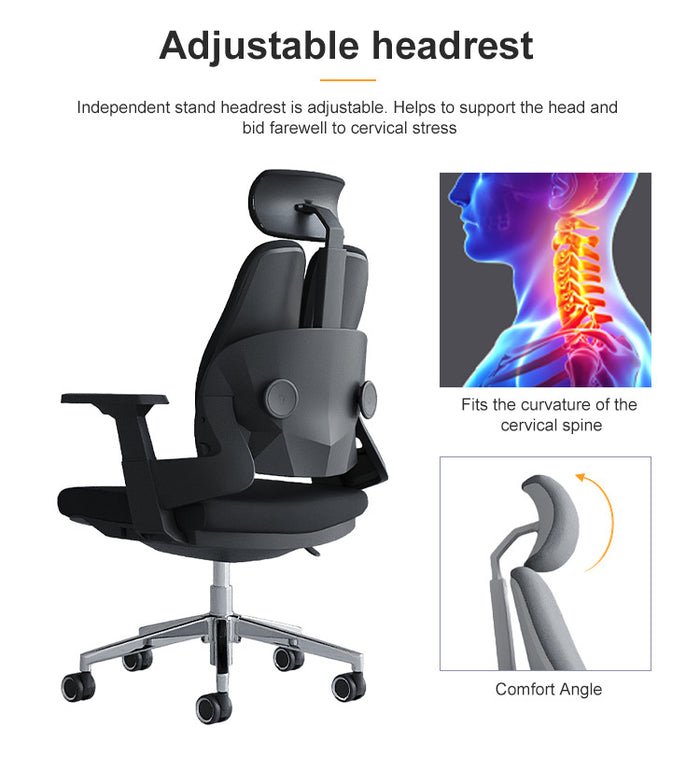
Leather executive design with full ergonomic functionality. Adjustable headrest supports the neck during reclined gaming and streaming. Complete adjustment suite ensures proper fit.
Gaming advantage: Premium appearance for gamers who want sophistication over racing aesthetics.
What Makes a Chair Truly Ergonomic for Gaming
Gaming demands differ from standard office work. You lean forward during intense moments, recline during cutscenes, and maintain fixed positions during competitive matches. Your chair must support all these postures while preventing strain that accumulates over hours.
Neutral Spine Positioning: Your spine has a natural S-curve that must be maintained whether you sit upright or reclined. Proper lumbar support preserves this curve, preventing the slouching that leads to lower back pain.
Integrated Lumbar Systems: Many gaming chairs include removable lumbar pillows. These shift out of position, flatten over time, and rarely align with your actual spine curve. Adjustable built-in lumbar support that moves up, down, and in/out provides consistent, personalized support.
Armrest Positioning for Gaming: Keyboard and mouse use require specific arm positioning. Your shoulders should stay relaxed, not shrugged up or pulled down, with elbows at roughly 90 degrees. Gaming demands 3D armrests (height, width, pivot) at a minimum.
Recline Mechanics: Good recline supports your back throughout the movement. Poor recline creates gaps between your lumbar region and the backrest. Look for tilt tension control that matches your body weight.
For detailed guidance on evaluating these features, our guide on how to choose an ergonomic chair covers the complete selection criteria.
Gaming Chairs vs Ergonomic Office Chairs: The Truth
The gaming chair industry borrowed its design from racing car seats, built to secure drivers during high-speed maneuvers. That design makes little sense for someone sitting at a desk for hours.
The Racing-Style Problem
|
Racing Seat Design |
Gaming Reality |
|
The bucket shape holds the driver during turns |
Creates hip restriction during sitting |
|
High-side bolsters prevent lateral movement |
Limits natural position changes |
|
Fixed aggressive posture |
Causes strain during long sessions |
|
Aesthetic priority |
Ergonomics secondary |
What Pro Gamers Actually Use
Many professional esports players and streamers have quietly switched to ergonomic office chairs. The reason? Performance depends on comfort. Back pain and fatigue destroy concentration during competitive matches. Health-first seating keeps players performing at peak levels for longer.
The Hybrid Solution
The best approach combines gaming-relevant features (proper armrest positioning, recline range, breathable materials) with office-grade ergonomic support (adjustable lumbar, seat depth control, proper certifications).
This hybrid approach serves users who game AND work from the same chair. One quality ergonomic chair handles both activities without the aesthetic clash of a racing-style seat appearing during professional video calls.
Key Features for Long Gaming Sessions
Not all features matter equally. Focus your evaluation on these high-impact elements:
Must-Have Features
Adjustable Lumbar Support (Height and Depth): The single most important feature. Your lumbar curve differs from everyone else; adjustability ensures proper fit regardless of body type.
Seat Depth Adjustment: Proper thigh support prevents circulation issues during extended sessions. You need 2-3 fingers of space between the seat edge and the back of your knees.
3D or 4D Armrests: Gaming posture differs from typing posture. Armrests must adjust in height, width, and angle to support various gaming positions.
Breathable Materials: Gaming generates body heat. Hours of sitting in non-breathable materials create discomfort. Mesh backs regulate temperature throughout long sessions.
Recline with Tilt Tension: Different games call for different postures. Proper tilt tension control lets you recline comfortably without fighting the mechanism.
Marketing Gimmicks to Ignore
- RGB lighting (does nothing for your spine)
- Racing stripes and aggressive styling (aesthetic only)
- "Ergonomic" labels without BIFMA certification
How to Set Up Your Chair for Gaming
Seat Height: Feet flat on floor, thighs parallel to ground. Eyes should align with the top third of the monitor.
Seat Depth: Adjust until 2-3 fingers fit between the seat edge and the back of the knees.
Lumbar Position: Move support to contact the inward curve of your lower back.
Armrests: Position at desk height. Shoulders relaxed, elbows at 90 degrees.
Recline Tension: Set to match your body weight for smooth movement.
Final Thoughts
The best ergonomic gaming chair prioritizes spine health while supporting extended gaming demands. Racing-style aesthetics matter far less than adjustable lumbar support, proper seat depth, and breathable materials.
Ready to upgrade your gaming setup? Browse our complete gaming chair collection or explore ergonomic options for chairs that handle both gaming and work. Free shipping and installation are included across the US.
Frequently Asked Questions
Are gaming chairs bad for your back?
Many racing-style gaming chairs prioritize aesthetics over ergonomics, causing back problems during extended use. Ergonomic chairs with proper lumbar support and BIFMA certification protect your spine during long sessions.
Can I use an office chair for gaming?
Yes, many pro gamers do exactly this. Quality ergonomic office chairs often provide better posture support than racing-style gaming chairs.
What features matter most for long gaming sessions?
Adjustable lumbar support ranks first. Breathable materials rank second for temperature regulation. Proper armrest adjustability ranks third.

Leave a comment
This site is protected by hCaptcha and the hCaptcha Privacy Policy and Terms of Service apply.